Cross-Platform Scratchpad
The instant scratchpad that lives in your dock and pocket.
You don't always want to open a sprawling workspace or a nested database wiki just to write down a fleeting thought, a code snippet, or a daily priority.
Owldo works as a lightweight, zero-latency cross-platform scratchpad. It opens in single-digit milliseconds on Mac, Windows, iPhone, and Android, letting you capture thoughts instantly without ceremony.
Our Philosophy
“Ideas are fragile. Capture must be instant.”
If taking a quick note requires waiting for a cloud database to load, your cognitive momentum is lost. Owldo is an instant scratchpad that lives in your dock and pocket.
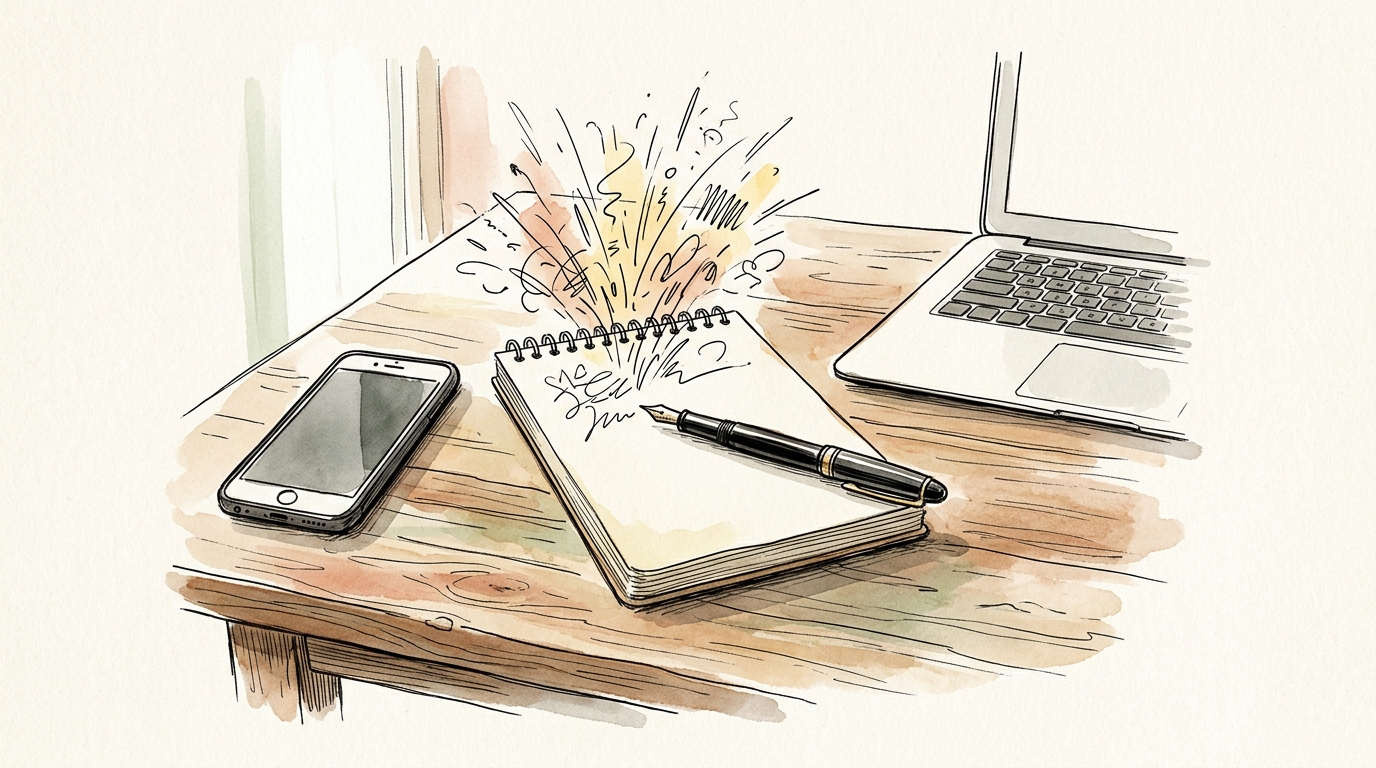
What you get
- Instant cold start: launches in 8ms directly from local disk with zero loading spinners
- True cross-platform parity: seamless experience across macOS, Windows, iOS, and Android
- The low-friction wedge: use it for quick captures without abandoning your existing tools
- Unified Spaces: organize scratchpad notes into calm contexts when they grow into projects
- Integrated focus & tasks: turn scratchpad bullets into scheduled execution with one tap
The Benchpad Principle: Low Friction Wins
The greatest barrier to productivity is software that demands an immediate commitment. Heavy tools force you to categorize, tag, and file an idea before you even finish typing the sentence.
Owldo respects the ephemeral nature of capture. The Inbox functions as an unencumbered scratchpad. Type your thought, close the app, and move on. Your idea is safely recorded on disk.
Zero Cloud Lag Across Devices
Because Owldo reads and writes directly to local SQLite databases on each device, typing never stutters, even on unstable mobile connections. When online, background sync silently mirrors your scratchpad across your laptop and phone in real time.
From Scratchpad to Execution
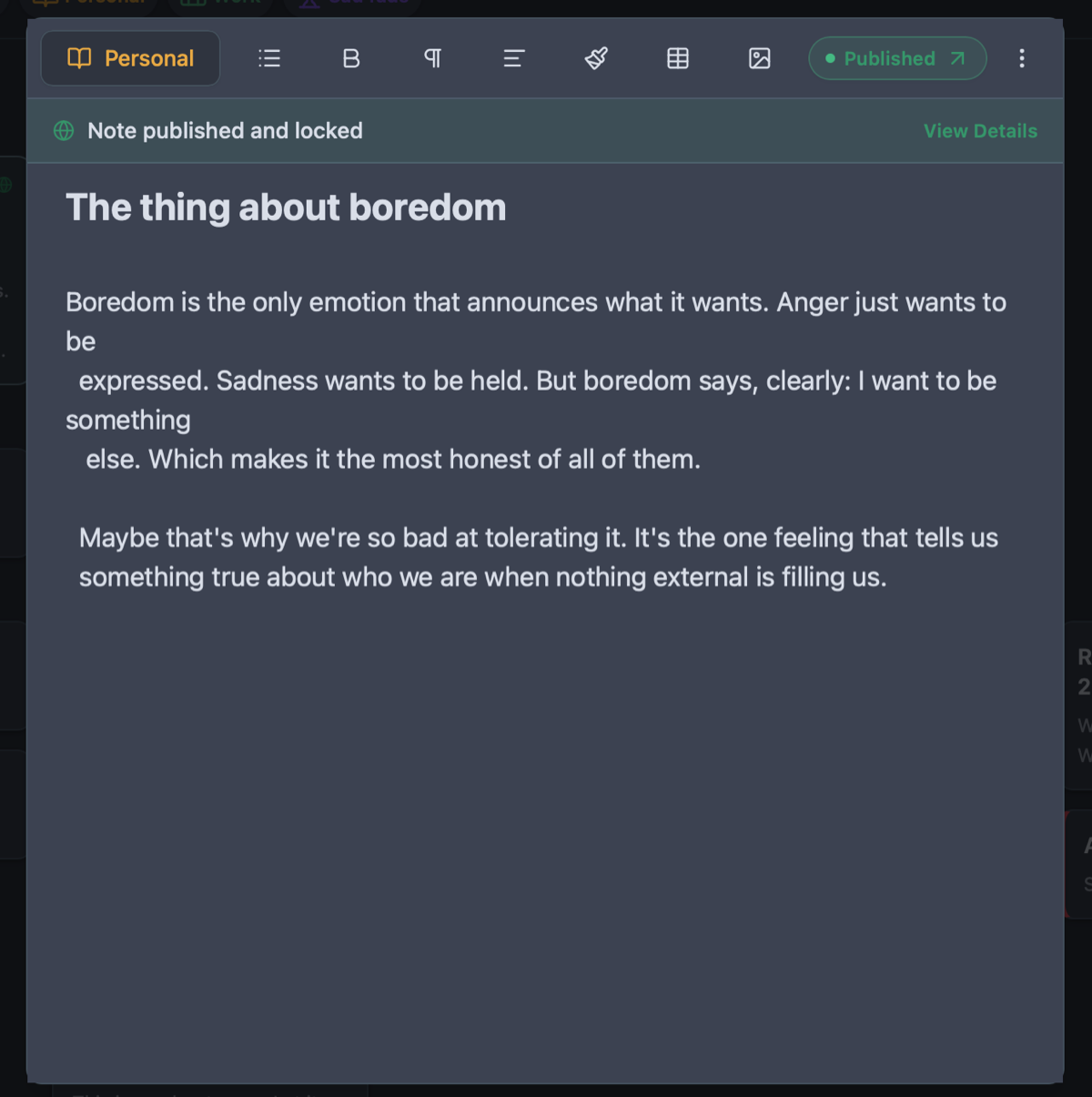
Most scratchpad apps are dead ends: your notes pile up into an unsearchable scroll. In Owldo, whenever a scratchpad fragment turns into a real project, you can attach tasks, trigger a Pomodoro timer, or publish it to your open notebook.
See Owldo in action
Frequently asked questions
Can I use Owldo just as a quick scratchpad without managing tasks?
Absolutely. Many users keep Owldo purely for instant, distraction-free drafting and scratchpad capture.
Does Owldo work on Windows and Android?
Yes. Owldo provides native desktop builds for Windows and macOS, and native mobile apps for Android and iOS.
Is there a limit on how many notes I can create in the free version?
No. Local use on your device is completely free with unlimited notes, tasks, and scratchpad captures.
Related guides & use cases
Explore more ways to organize your thoughts and publish your work.
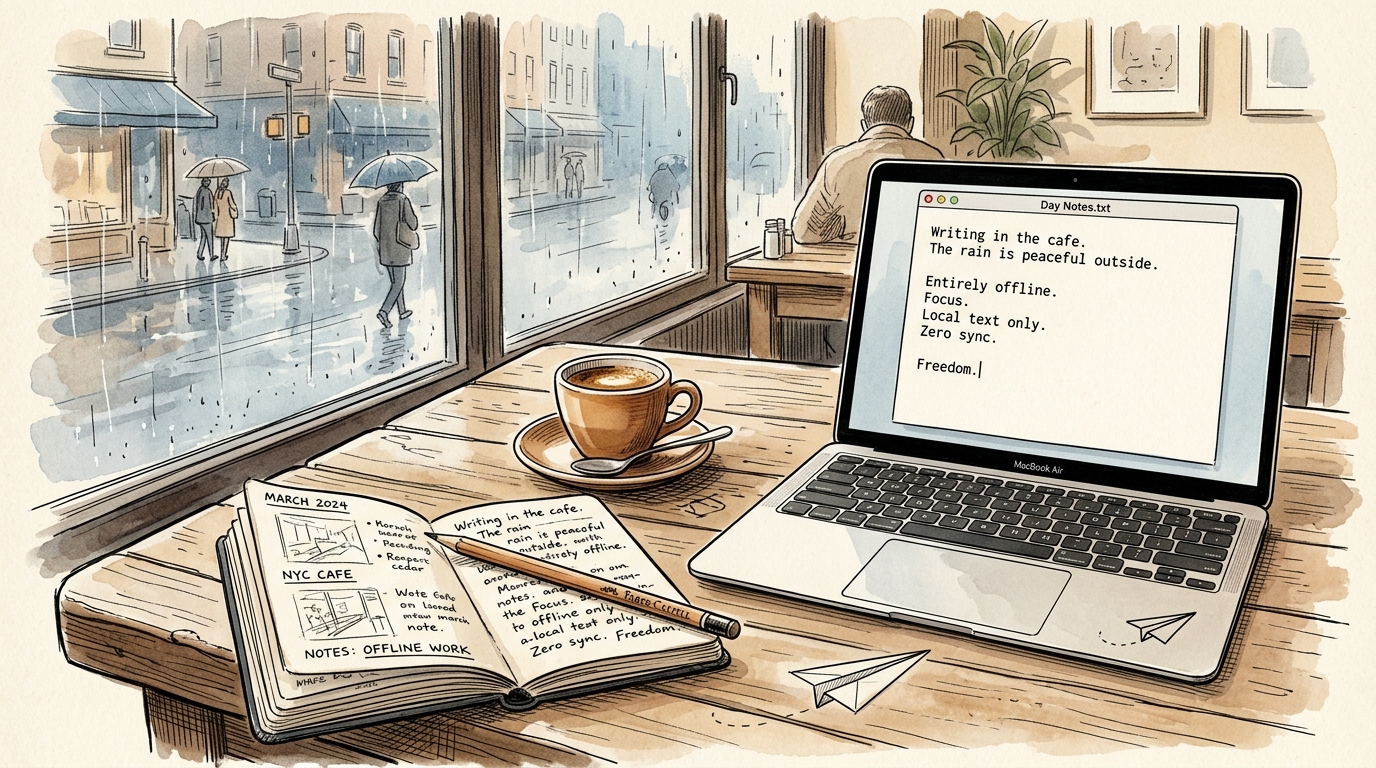
Offline Notepad
Offline notepad
A high-speed, local-first offline notepad. Instant launch in 8ms, writes directly to local SQLite, and works seamlessly with zero internet connection.
Guide
Tasks and notes unified
Read more about Owldo's approach and workflows.
Guide
Spaces organization
Read more about Owldo's approach and workflows.