Owldo — Workflows & Concepts
Tools shaped around
how you actually think.
Deep dives into workflows, local-first architecture, and why Owldo is built for focused, distraction-free productivity without network anxiety or cluttered sidebars.
Explore workflows & deep dives
Click into any workflow guide for practical strategies, templates, and architectural explanations.

Workflow
Offline todo app
Owldo is an offline todo app that opens instantly, stores tasks locally first, and refuses to let your day disappear behind a loading spinner.

Workflow
Local-first task manager
A local-first task manager for people who want fast capture, offline access, private-by-default storage, and zero loading spinners.

Workflow
Todo app for developers
Owldo gives developers project tasks, markdown notes, offline access, and focus sessions in one lightweight, anti-bloat workspace.

Workflow
Pomodoro timer app
Owldo combines a Pomodoro focus timer with tasks, notes, streaks, and offline-first storage so your focus stays tied to actual work.

Workflow
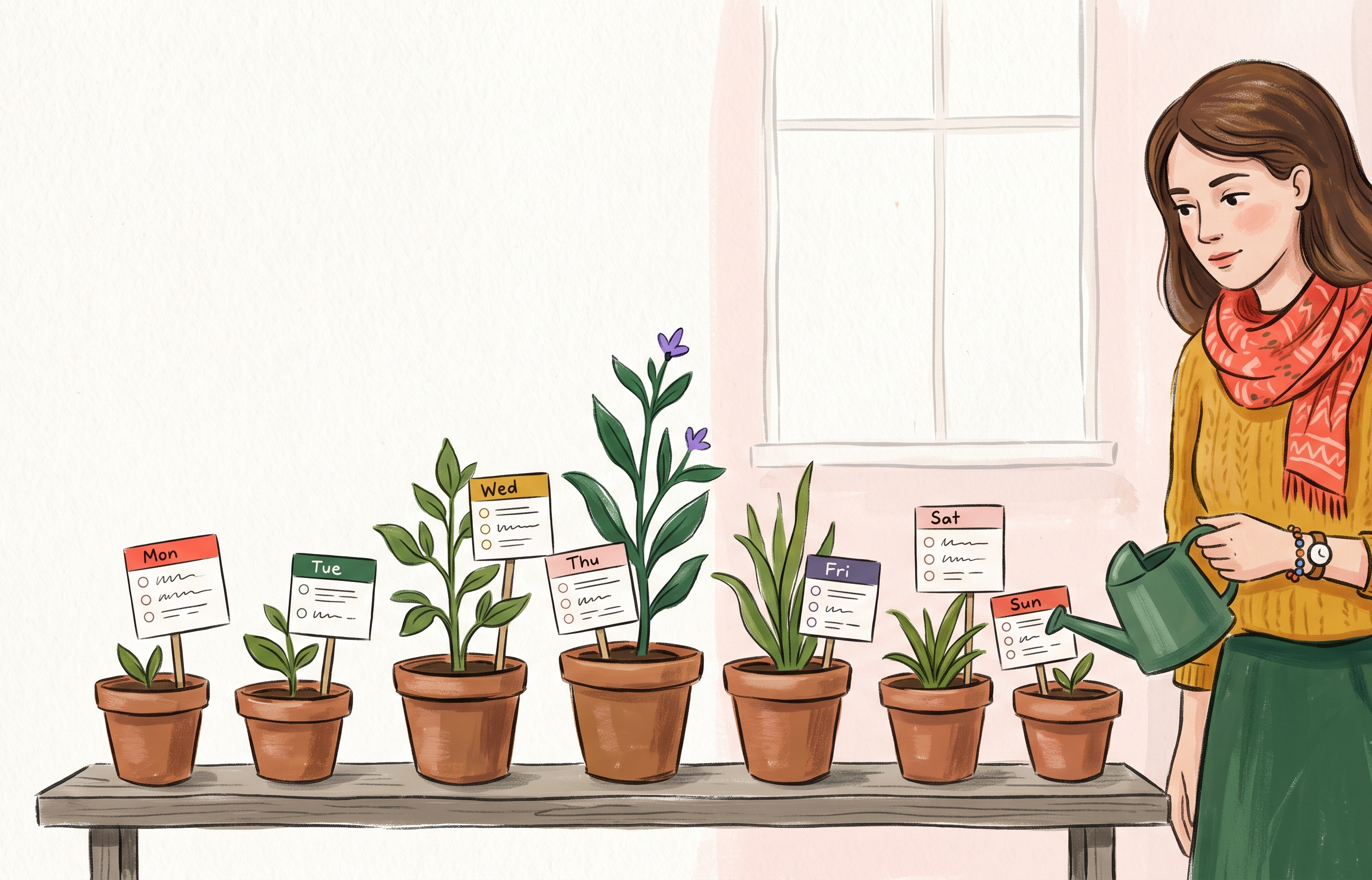
Daily planner
A no-nonsense daily planner that combines your schedule, tasks, and notes in one place. Stop fighting your calendar and start doing the work.
Workflow
Weekly planner
Plan your week without the bloat. A weekly planner that focuses on momentum, priorities, and actually getting things done.

Workflow
Task manager for ADHD
A task manager for ADHD that minimizes friction, reduces context switching, and doesn't punish you for falling behind.

Workflow
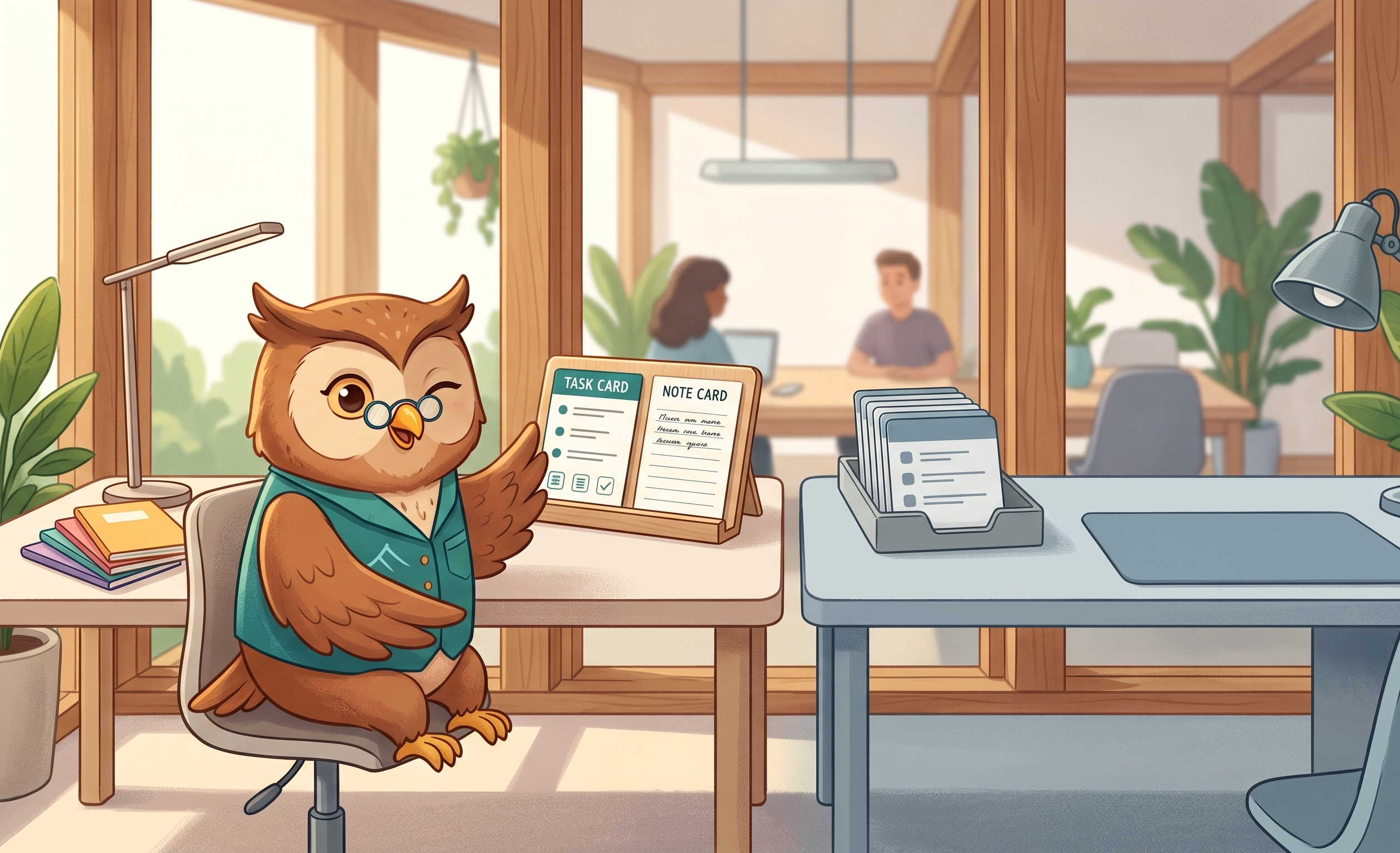
Markdown notes & tasks
A markdown note-taking app that doesn't treat tasks as second-class citizens. Fast, offline-first, and built for people who type.

Workflow
Private notes app
A truly private notes app. Local-first storage guarantees access, and optional end-to-end encryption guarantees absolute privacy.

Alternative
Apple Notes alternative
Love Apple Notes but hate being locked into the ecosystem? Owldo is the fast, minimalist, local-first alternative that works on Windows, Mac, and Android.
Alternative
Obsidian alternative
Love Obsidian for notes but hate managing tasks in it? Owldo is the local-first alternative that combines markdown notes with first-class task management.

Alternative
Todoist alternative
Todoist is great for tasks, but terrible for the notes surrounding them. Owldo is the alternative that brings your context and your checkboxes together.

Alternative
Notion alternative
Notion is powerful but slow and bloated. Owldo is the sharp, local-first alternative for individuals who want speed and execution, not endless configuration.

Alternative
Substack & Ghost alternative
Stop paying for complex CMS platforms. Owldo is an alternative to Substack and Ghost that lets you write in markdown and publish instantly for $3/month.
Alternative
Things 3 alternative
Things 3 is a beautiful task manager, but it traps you in the Apple ecosystem. Owldo is the cross-platform alternative that looks just as good.
Alternative
TickTick alternative
TickTick has every feature imaginable, making it cluttered and overwhelming. Owldo is the sharp, minimalist alternative focused on speed.

Alternative
Bear App alternative
Bear is a beautiful markdown notes app, but it is locked to Apple devices. Owldo is the cross-platform alternative that adds tasks to the mix.
Workflow
Newsletter Publication
Turn your private Markdown notes into an elegant email newsletter and public publication. Built-in email subscription box, custom domain, and zero subscriber cuts.
Workflow
Developer Devlogs
A distraction-free, monospace technical blog layout for software engineers. Dark mode surface, JetBrains Mono typography, code readability, and zero JavaScript bloat.
Workflow
Microblogging Stream
A distraction-free, chronological short-form stream for daily thoughts, microblogging, and status updates. No algorithms, no card clutter, just continuous reading.
Workflow
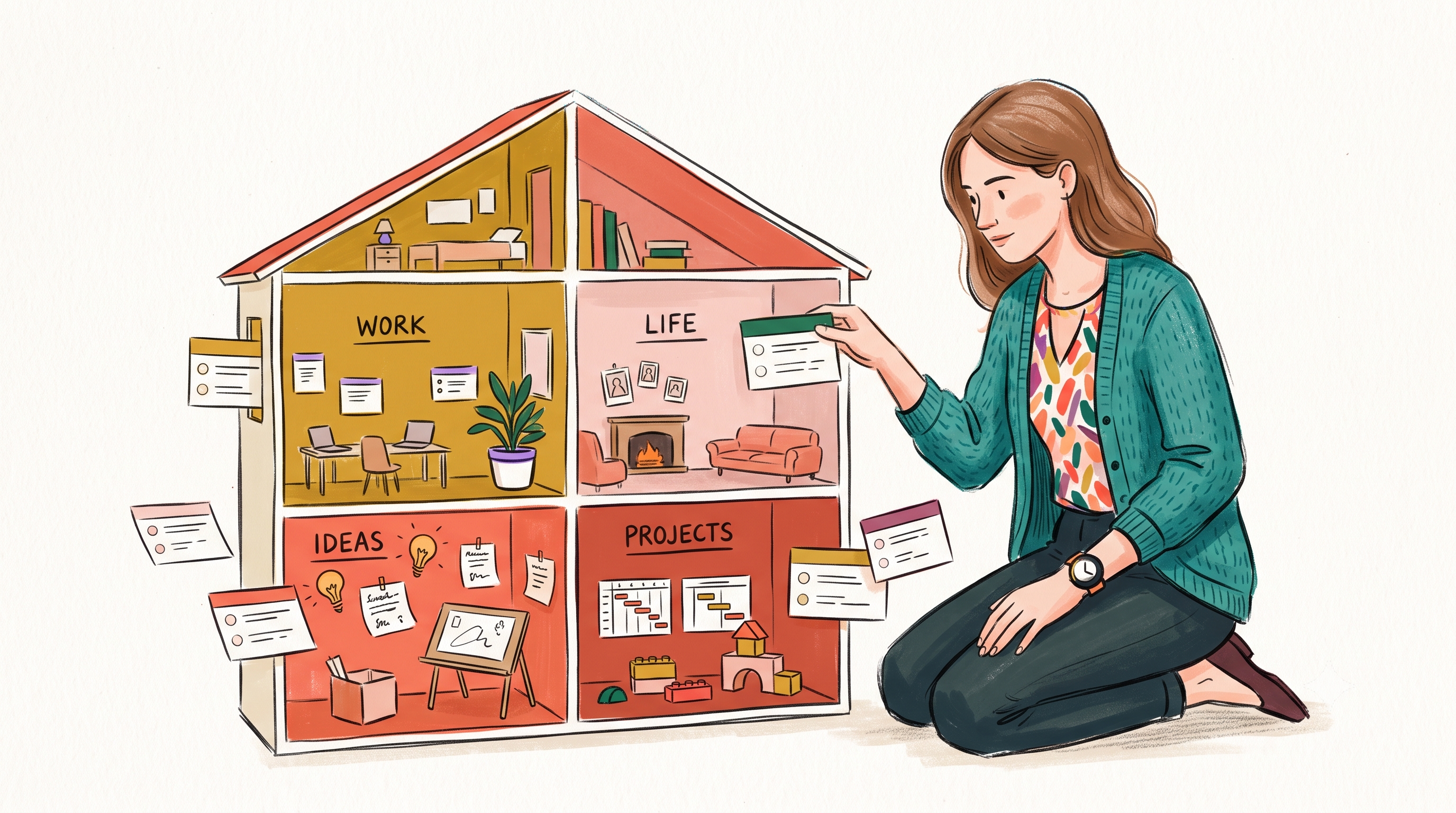
Visual Masonry Scrapbook
A responsive multi-column masonry wall for photographers, moodboard curators, and visual artists. Image-forward note layouts and automatic mosaic packing.
Workflow
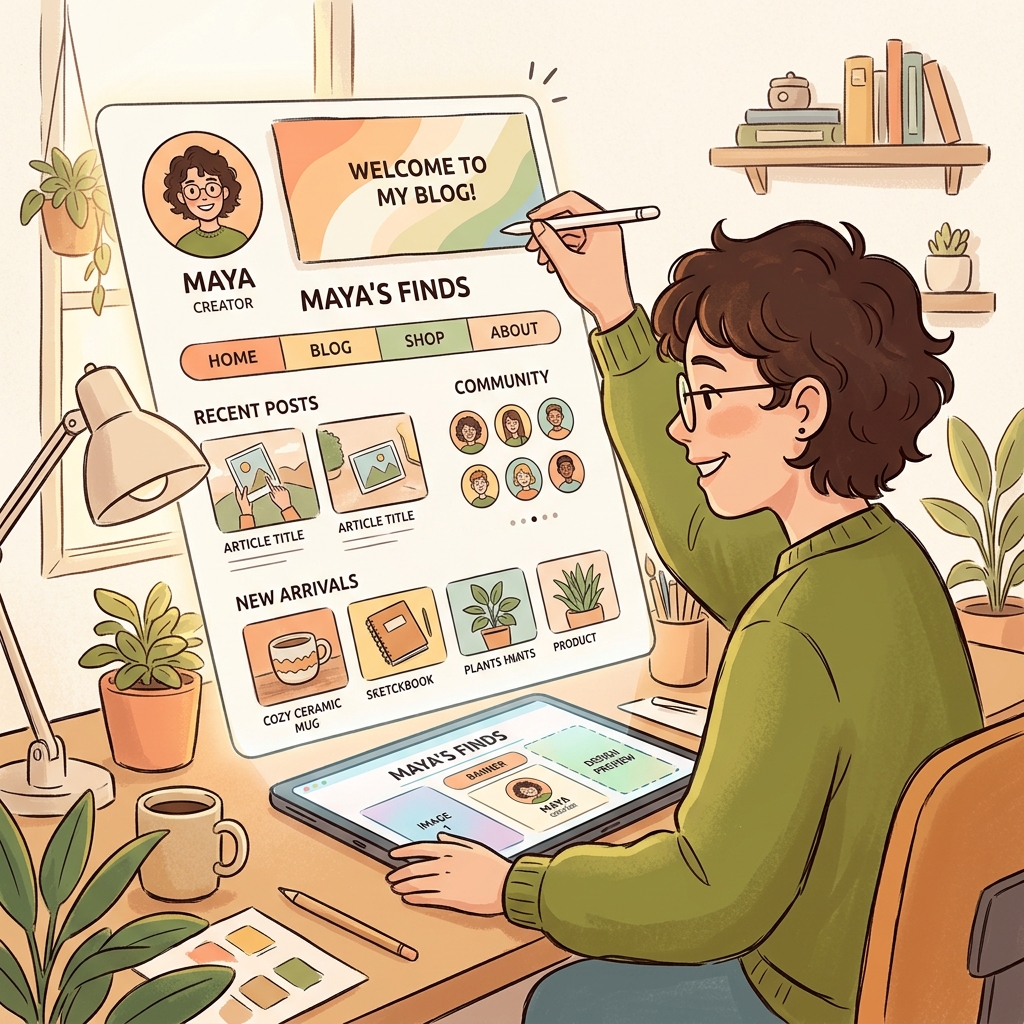
Multimedia Visual Journal
Publish rich media journals, case studies, and creative portfolios. High-contrast display typography, full-bleed hero banners, and mixed media cards.
Workflow
Digital Garden & Atlas
Publish a living, interconnected knowledge base from your local Markdown notes. 2-column topic index cards, thumbnail previews, and color-coded Spaces.

Workflow
Notes App Without AI
Looking for a clean, fast notes app without AI chatbots, auto-summarizers, or synthetic autocomplete? Owldo gives you a private, offline-first workspace to think for yourself.
Workflow
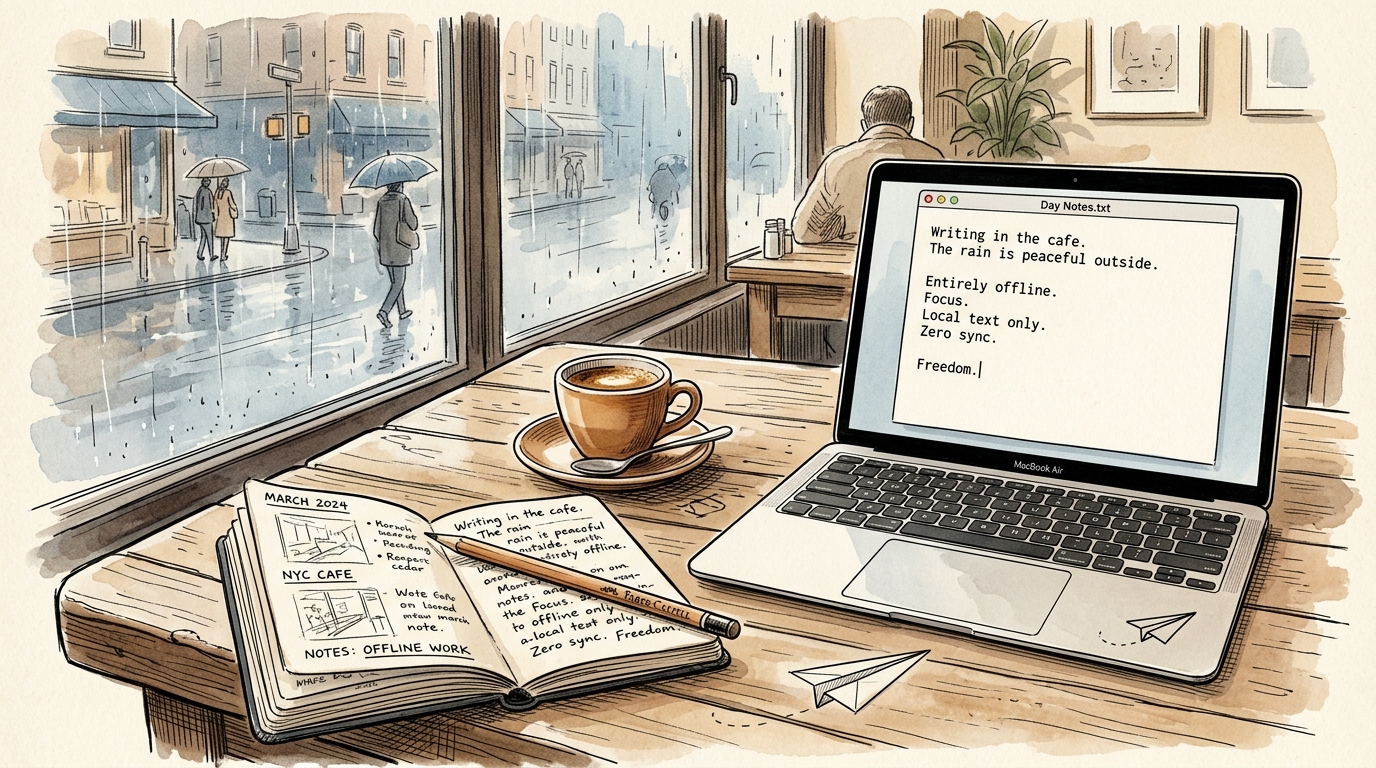
Offline Notepad
A high-speed, local-first offline notepad. Instant launch in 8ms, writes directly to local SQLite, and works seamlessly with zero internet connection.
Workflow
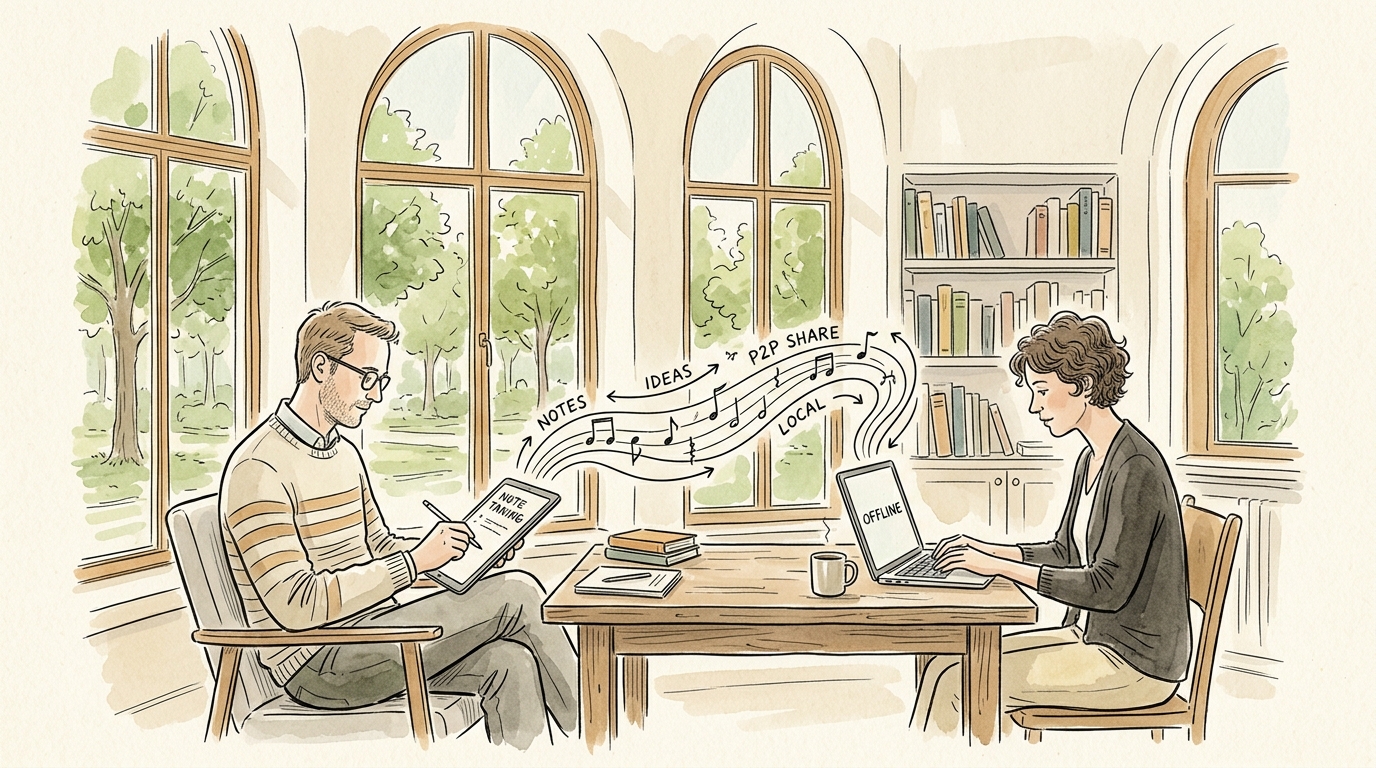
Offline Note Taking
Take notes on flights, subways, or off-grid retreats. Owldo is an offline note taking app that keeps all your markdown notes, tasks, and spaces on your device.
Workflow
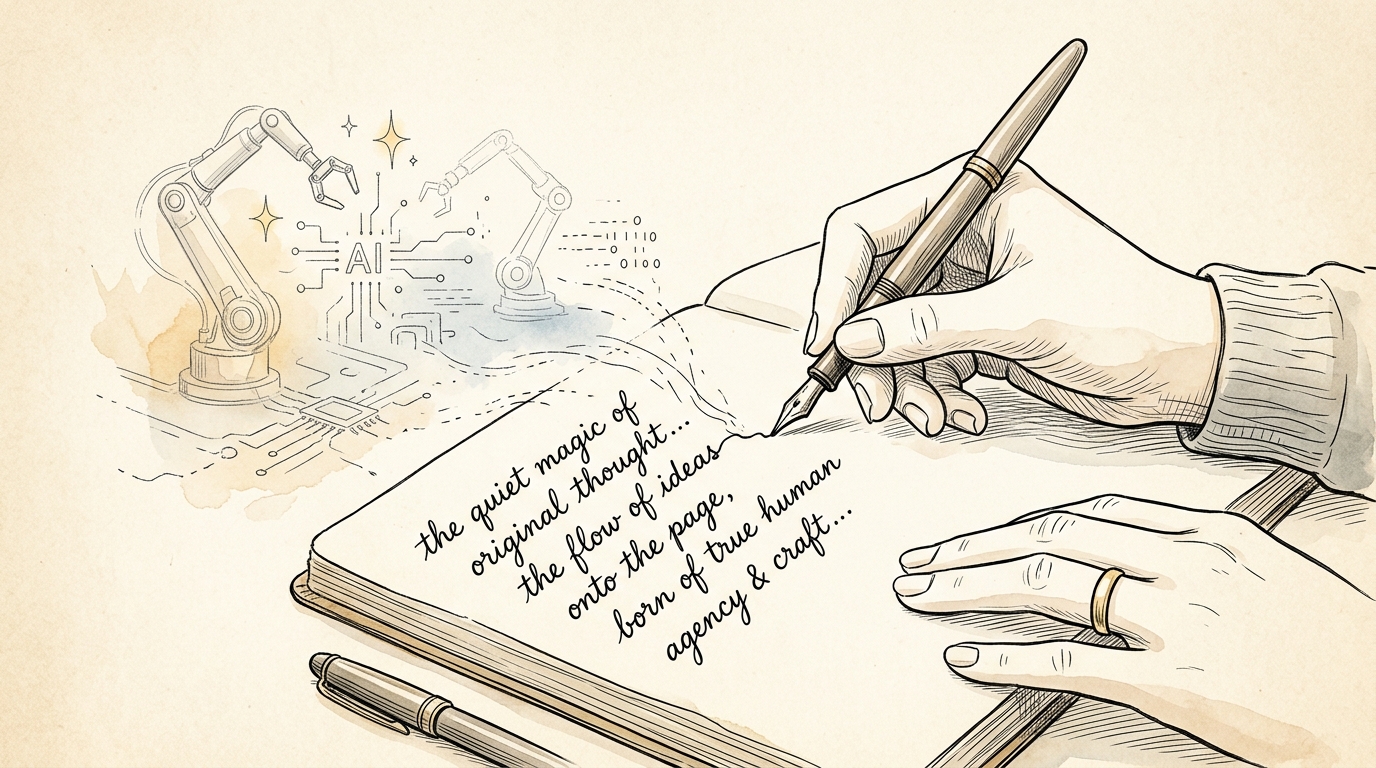
Anti-AI App
Owldo is the anti-AI app for thinkers who refuse to outsource their brains. No synthetic autocomplete, no AI slop, no surveillance. Just your mind on the page.

Workflow
Public Notebook
Turn your notes into a public notebook. No WordPress setup, no complex CMS, no theme maintenance. Share private thoughts on a sovereign URL with one tap.

Workflow
Cross-Platform Scratchpad
A lightning-fast, cross-platform scratchpad that syncs across all your devices. Zero latency, instant capture, and no heavy databases to slow you down.

Workflow
Anti-Doomscroll Reader
Break social media addiction. Owldo Feed turns classic books, EPUBs, and essays into finite daily card decks of 200 words. Zero infinite doomloop.

Workflow
Newsletter Reader
Quarantine newsletters away from your email inbox. Get a private Feed alias (you+token@feed.owldo.app) that strips tracking ads and chunks essays into reading cards.

Workflow
Digital Commonplace Book
Revive the 500-year-old habit of Marcus Aurelius, John Locke, and Virginia Woolf. A calm digital commonplace book that combines reading excerpts, tasks, and reflections.
Workflow
Calm Productivity
A minimalist productivity app designed for calm execution. Notes and tasks unified in clear Spaces, with Today/Someday horizons and zero guilt badges.

Workflow
Local-First Notes App
True data ownership. Owldo stores all your notes, tasks, and spaces in a local SQLite database on your hardware, synchronizing silently when online.
Why architecture matters for productivity
When your task manager takes three seconds to open because of a slow cloud sync, you lose your train of thought. When your notes app requires five clicks to turn an idea into a todo, you stop capturing ideas.
Local-First Guarantee: Owldo executes reads and writes to local SQLite on your device first. No internet required, no loading spinners, zero lag.
Contextual Action: Notes and tasks aren’t separated by application boundaries. An item in a note becomes a scheduled task with a single shortcut.
More ways to explore
Looking for specific roles or comparisons? Check out Owldo for your role, App comparisons, or browse our core capabilities on Features.