Offline Note Taking
Write at the speed of thought, even at 35,000 feet.
The modern knowledge worker travels through unpredictable environments: airplane cabins, subterranean subways, rural retreats, and overcrowded conference Wi-Fi networks.
Relying on a cloud-only note app means gambling with your productivity. Owldo is engineered specifically for reliable offline note taking. Everything lives on your hardware, ready at a fraction of a second's notice.
Our Philosophy
“Write at the speed of thought, anywhere on earth.”
Cloud dependency creates an invisible tax on creative momentum. Offline note taking ensures your intellectual workspace is always ready, whether at 35,000 feet or in an off-grid cabin.

What you get
- Zero-latency Markdown editing: write and organize without network lag
- Spaces organization: keep work, personal reflections, and research segmented cleanly
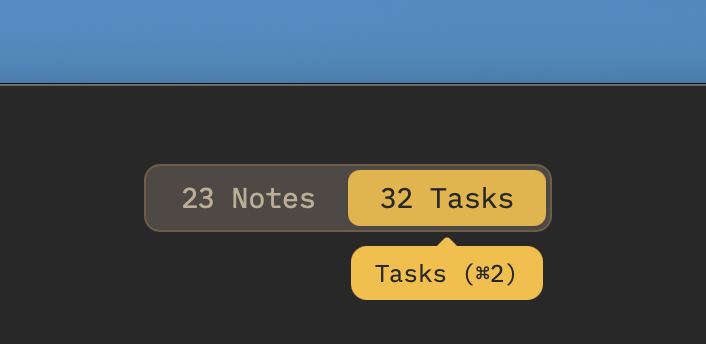
- Native tasks alongside notes: execution and thought in the same offline view
- Built-in focus timer: Pomodoro focus sessions that operate without internet connection
- End-to-End Encryption: optional mathematical privacy that secures your offline vault
The Attention Residue of Network Latency
Cognitive scientists have demonstrated that micro-delays as small as 200 milliseconds break human concentration. When you click a folder and have to wait for a cloud round-trip, your mind wanders.
Offline note taking eliminates this latency entirely. When every note, task, and project view renders in 8 milliseconds, your software ceases to feel like an obstacle and becomes a natural extension of your mind.
The Airplane Test: Why Local-First Matters
The ultimate test of any productivity tool is the Airplane Test: board a cross-country flight, switch your laptop into Airplane Mode, and try to do three hours of deep work.
Most web-based tools fail immediately: search stops working, new pages cannot be created, and unsaved changes risk being overwritten when reconnecting. Owldo passes the Airplane Test with 100% feature parity.
Sovereign Notes That Never Expire
When your notes are stored in a proprietary cloud database, you are effectively renting your own memories. If the company changes pricing or shuts down, your data is hostage. With Owldo's local-first architecture, your notes reside on your machine in standard formats, accessible forever.
See Owldo in action
Frequently asked questions
Can I take meeting notes offline and publish them later?
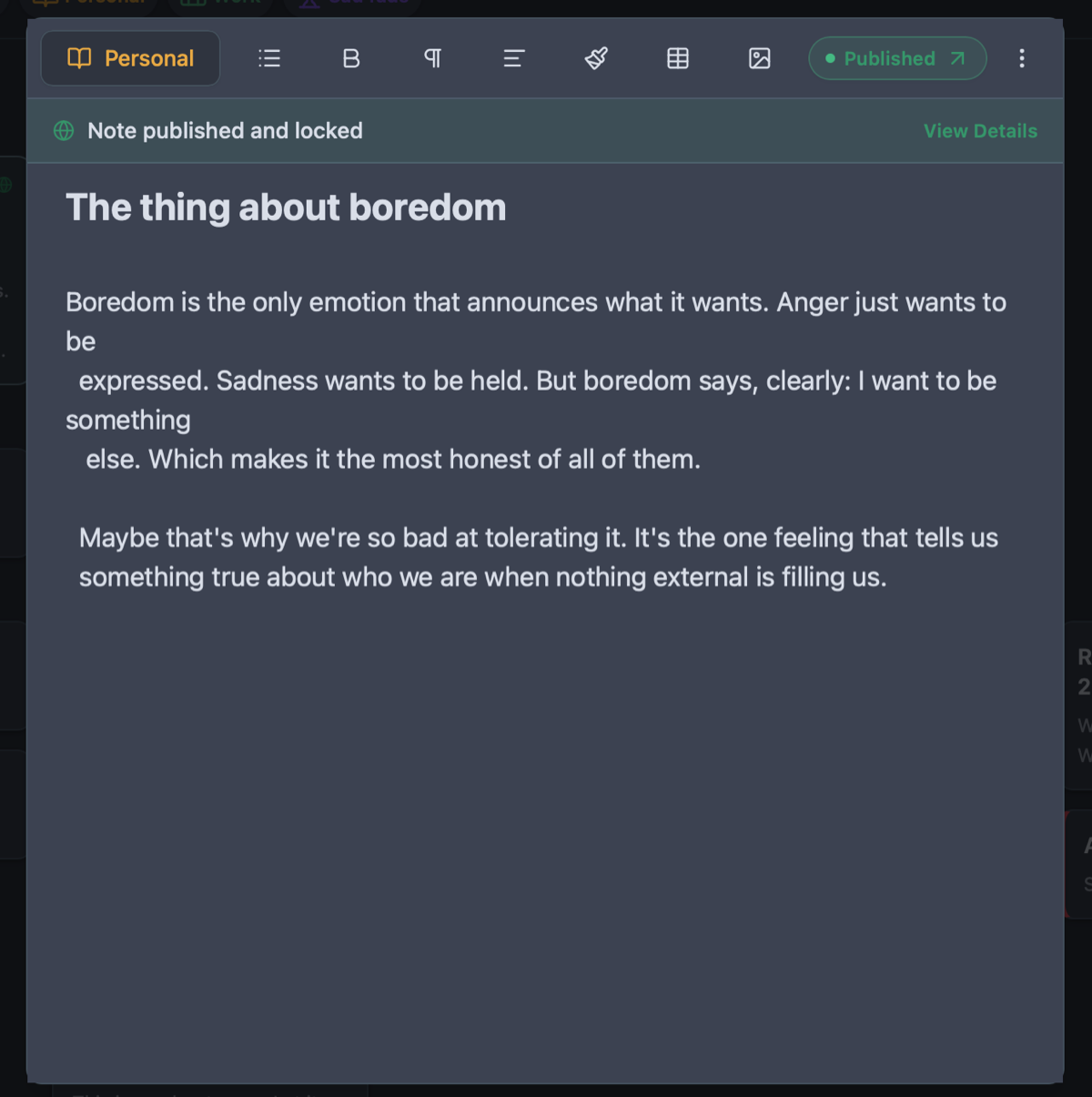
Yes. You can draft, edit, and organize notes completely offline. Once you reconnect to Wi-Fi, you can publish any note to your public notebook with a single click.
Is Owldo available on both Mac and Windows for offline use?
Yes. Owldo offers lightweight, native desktop apps for macOS and Windows, as well as native mobile apps for iOS and Android.
How does Owldo handle file attachments offline?
Images and attachments are stored locally on your device and synchronized efficiently when back online.
Related guides & use cases
Explore more ways to organize your thoughts and publish your work.

Offline Notepad
Offline notepad
A high-speed, local-first offline notepad. Instant launch in 8ms, writes directly to local SQLite, and works seamlessly with zero internet connection.
Guide
Owldo for writers
Read more about Owldo's approach and workflows.
Guide
Tasks and notes unified
Read more about Owldo's approach and workflows.