Newsletter Reader
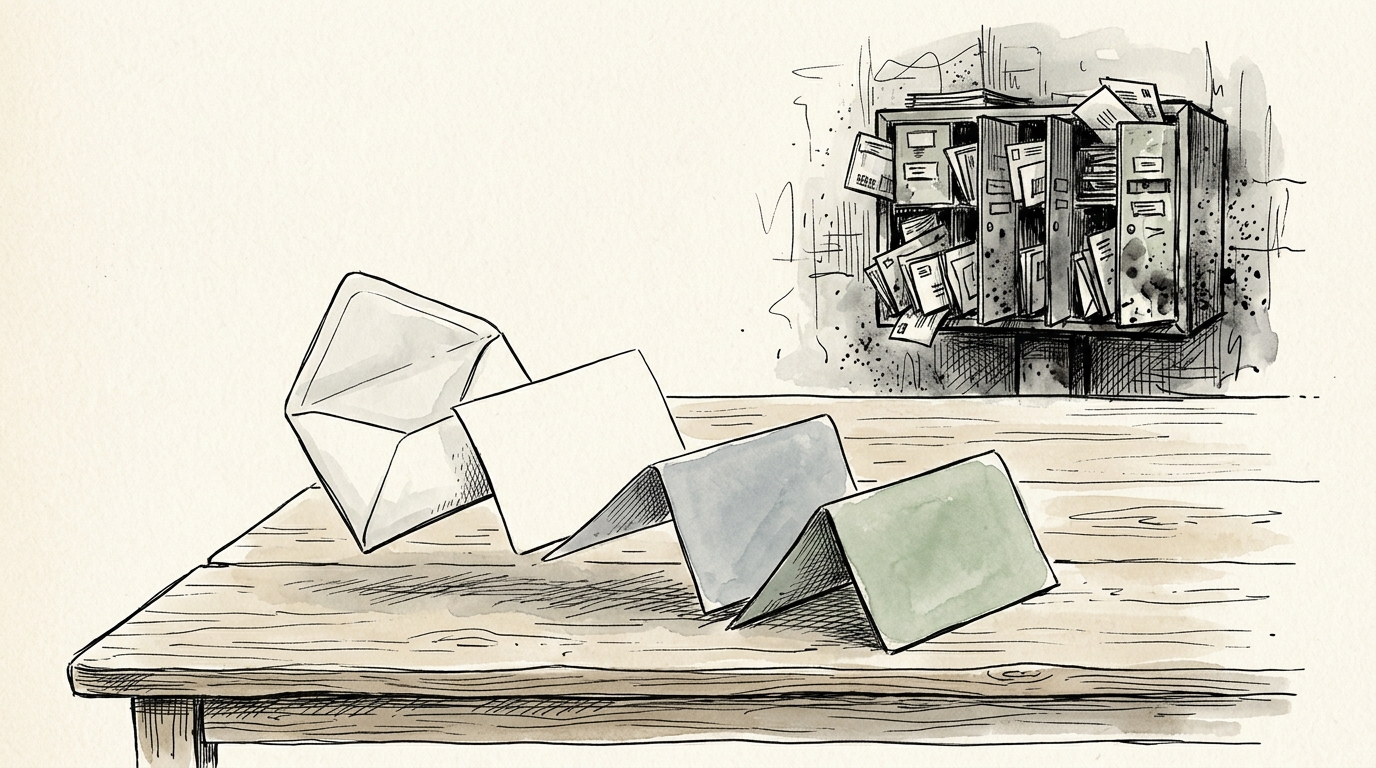
Quarantine your newsletters away from your email inbox.
You open Gmail or Apple Mail to answer an urgent client message, and you are confronted by eight unread newsletters from Substack, Ghost, and industry blogs. You star them to read later, and they sit there inducing guilt.
Owldo Feed solves newsletter fatigue by giving you a personal Inbound Feed Email Alias (you+token@feed.owldo.app). Newsletters arrive parsed, stripped of tracking pixels and ads, and chunked into serene reading carousels.
Our Philosophy
“Your inbox is a triage center, not a reading chair.”
Receiving newsletters in your primary email creates cognitive dissonance between urgent client tasks and deep reflective reading. Quarantine your reading into a dedicated, ad-free feed.
What you get
- Personal Inbound Feed Alias: subscribe to any newsletter without sharing your personal email
- Automated tracker stripping: removes marketing surveillance pixels, ads, and broken HTML tables
- Multi-slide card decks: long 3,000-word newsletters are split into digestible, bite-sized slides
- Background verification: double opt-in confirmation links are confirmed silently without clutter
- Turn reading into action: highlight any sentence to create a research note or a scheduled task
Why Email Inboxes Destroy Great Writing
Your email inbox is engineered for triage, defense, and quick replies. Reading an essay requiring sustained contemplation in the same window where urgent fires are burning causes cognitive friction.
By routing your subscriptions to your Owldo Feed alias, your email inbox stays clean and reaches Inbox Zero effortlessly, while your reading becomes an intentional sanctuary you visit on your own terms.
No Tracking, No Surveillance Pixels
Modern email marketing software embeds invisible 1x1 tracking pixels to monitor when you open emails, your geographical location, and your device type. Owldo's edge processor strips these scripts before storing the content, restoring your privacy.
Integrated Notes and Action Items
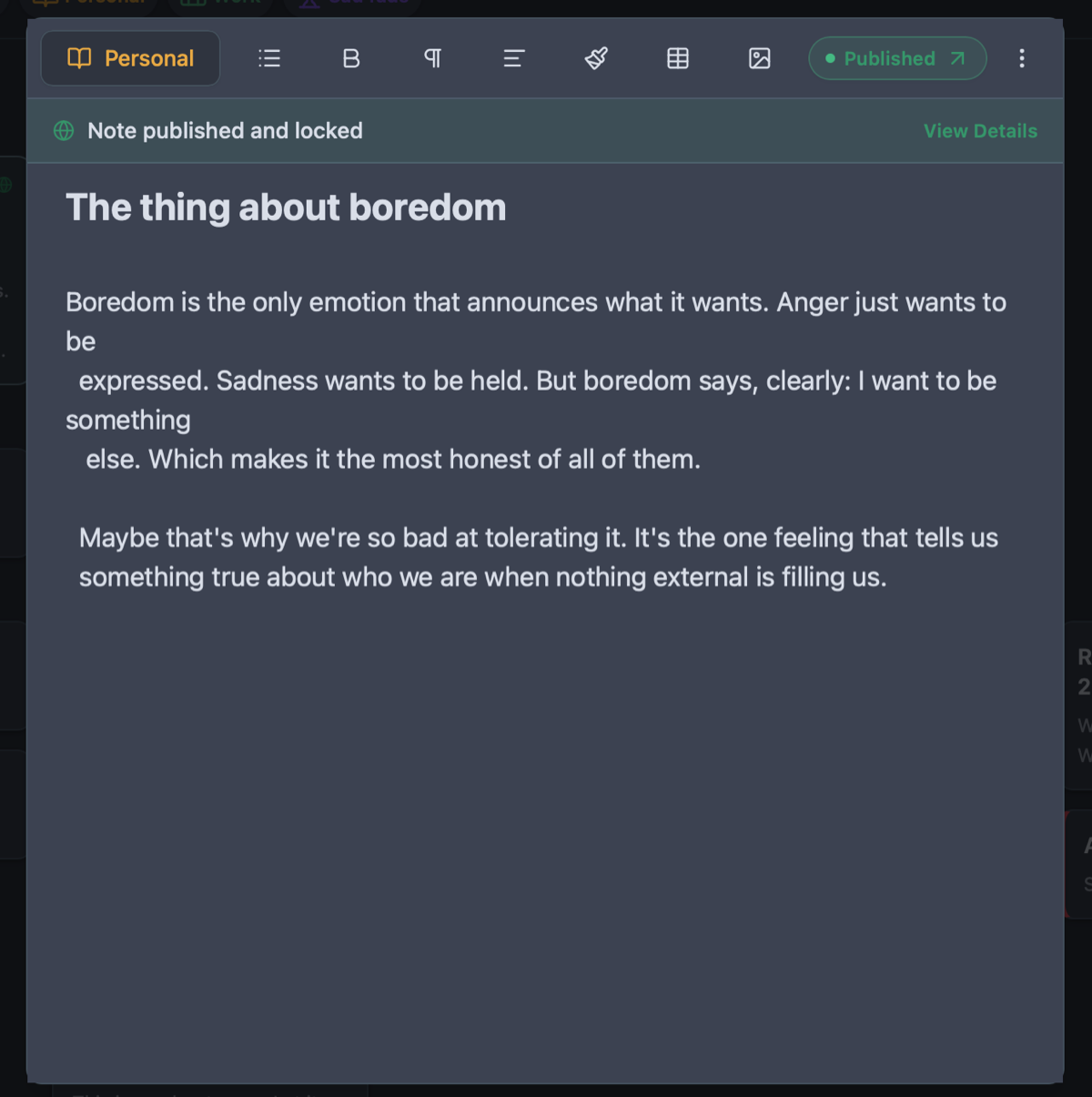
When a newsletter author mentions an essential framework, book recommendation, or project idea, you don't have to copy-paste it between apps. Tap "Create Note" or "Create Task" to capture the insight directly into your active workspace.
See Owldo in action
Frequently asked questions
How do I subscribe to newsletters using Owldo?
In Owldo Settings, copy your unique Feed Email Alias (you+token@feed.owldo.app). Paste that address into any Substack, Ghost, Beehiiv, or blog subscription form.
Can I unsubscribe from newsletters inside Owldo?
Yes. In the Manage Feed dialog, you can pause, snooze, or permanently delete any newsletter source with one click.
Can I read my newsletters offline?
Yes. Once synchronized to your device, all newsletter cards are cached locally in SQLite for full offline reading.
Related guides & use cases
Explore more ways to organize your thoughts and publish your work.
Anti-Doomscroll Reader
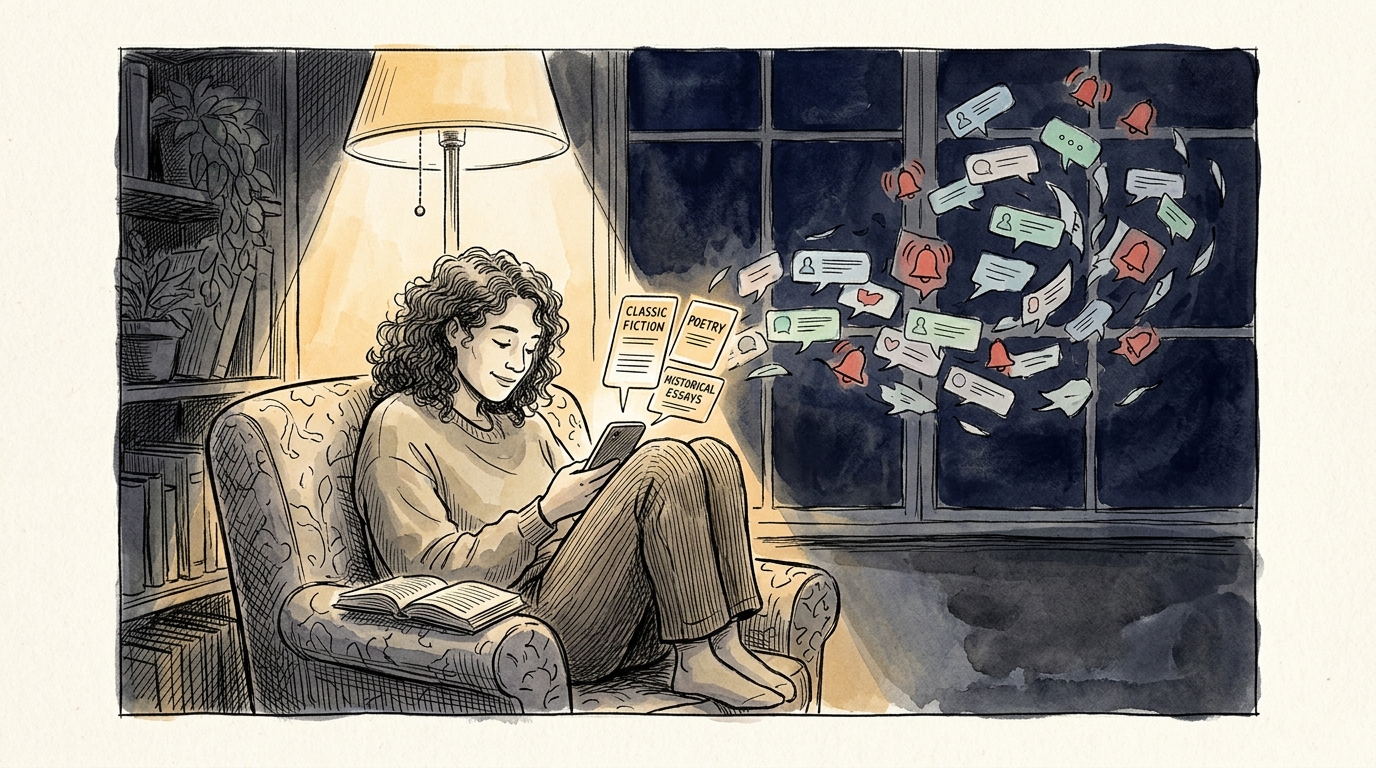
Anti-doomscroll reader
Break social media addiction. Owldo Feed turns classic books, EPUBs, and essays into finite daily card decks of 200 words. Zero infinite doomloop.
Offline Note Taking
Offline note taking
Take notes on flights, subways, or off-grid retreats. Owldo is an offline note taking app that keeps all your markdown notes, tasks, and spaces on your device.
Guide
Tasks and notes unified
Read more about Owldo's approach and workflows.