Local-First Notes App
Your hard drive is not a cache. Local-first SQLite on device.
When your notes app requires an internet connection just to search your past thoughts, you don't own your software—you are leasing a web page.
Owldo is engineered on modern local-first architecture. Every note, task, and project lives in a high-performance SQLite database stored directly on your computer or phone. Fast, private, and permanent.
Our Philosophy
“Your hard drive is not a temporary cache.”
Cloud-only apps treat your computer like a dumb terminal. If their servers go down, you are locked out of your thoughts. Owldo is local-first SQLite on device.

What you get
- Sub-10ms performance: local reads and writes execute with zero network round-trip latency
- True data permanence: your notes remain fully readable and functional even if cloud servers disappear
- ElectricSQL background sync: silent, conflict-free multi-device synchronization when online
- Universal Markdown export: backup your vault as standard .md and CSV files anytime
- Optional AES-256 End-to-End Encryption: mathematical privacy protecting your local database
The 7 Principles of Local-First Software
In 2019, researchers at Ink & Switch defined local-first software: no spinners, multi-device sync, optional network, and user ownership. Owldo implements these principles strictly.
Your laptop or phone is the primary source of truth. The cloud acts solely as an encrypted courier service that syncs changes across your devices in the background.
Lightning-Fast Local Search
Because search queries execute directly against your local device's NVMe storage, finding a note across thousands of files takes 4 milliseconds. There is zero loading lag, zero rate limits, and zero reliance on third-party cloud APIs.
From Local Vault to Sovereign Web Page
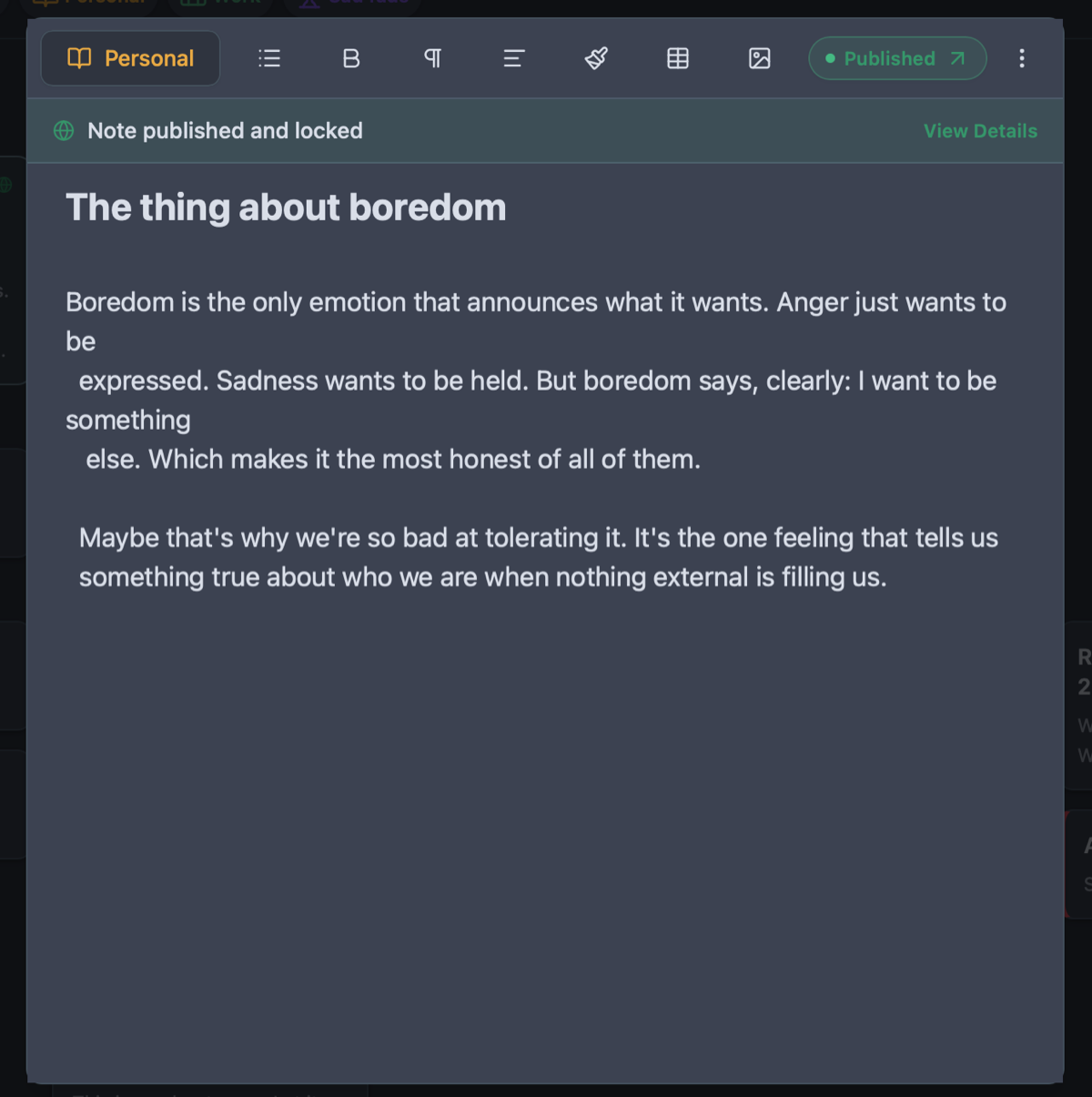
Unlike traditional disconnected local markdown files that require static site generators and Git repositories to share, Owldo lets you bridge the gap with one tap. Publish any local note to your public notebook with automated SSL and zero hosting setup.
See Owldo in action
Frequently asked questions
Where are my notes stored physically?
On your local hard drive in an optimized SQLite database file. You have direct physical possession of your data.
What happens if I lose internet access?
Nothing changes. You can create notes, edit tasks, run timers, and organize spaces with 100% feature parity offline.
Can I export all my data if I decide to switch tools?
Yes. Owldo supports one-click exports to universal Markdown (.md) and CSV files anytime with zero vendor lock-in.
Related guides & use cases
Explore more ways to organize your thoughts and publish your work.

Offline Note Taking
Offline note taking
Take notes on flights, subways, or off-grid retreats. Owldo is an offline note taking app that keeps all your markdown notes, tasks, and spaces on your device.
Guide
Automated vault backups
Read more about Owldo's approach and workflows.

Notes App Without AI
Notes app without AI
Looking for a clean, fast notes app without AI chatbots, auto-summarizers, or synthetic autocomplete? Owldo gives you a private, offline-first workspace to think for yourself.